
The Fastest Way to Enable Self-Service
AI Access to Your Data
Safely and Securely
1Create your project
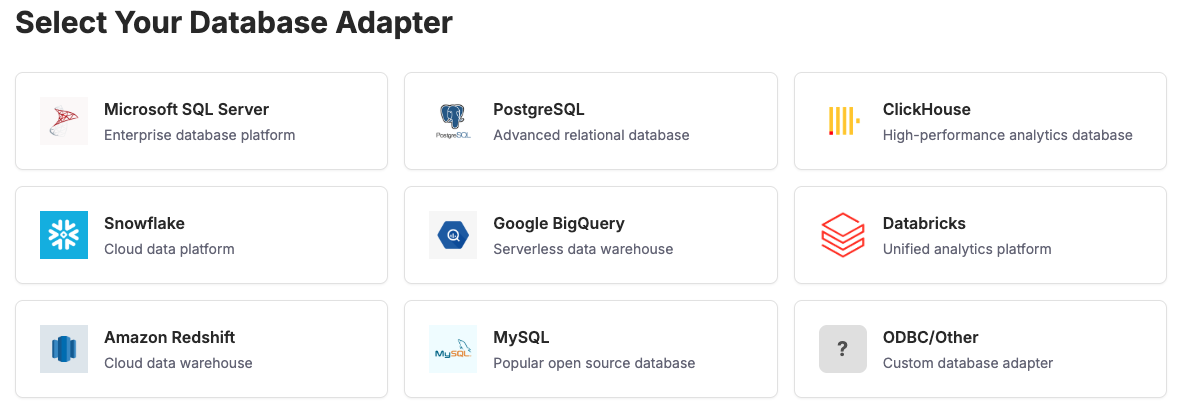
2Import your schema
Quick Setup
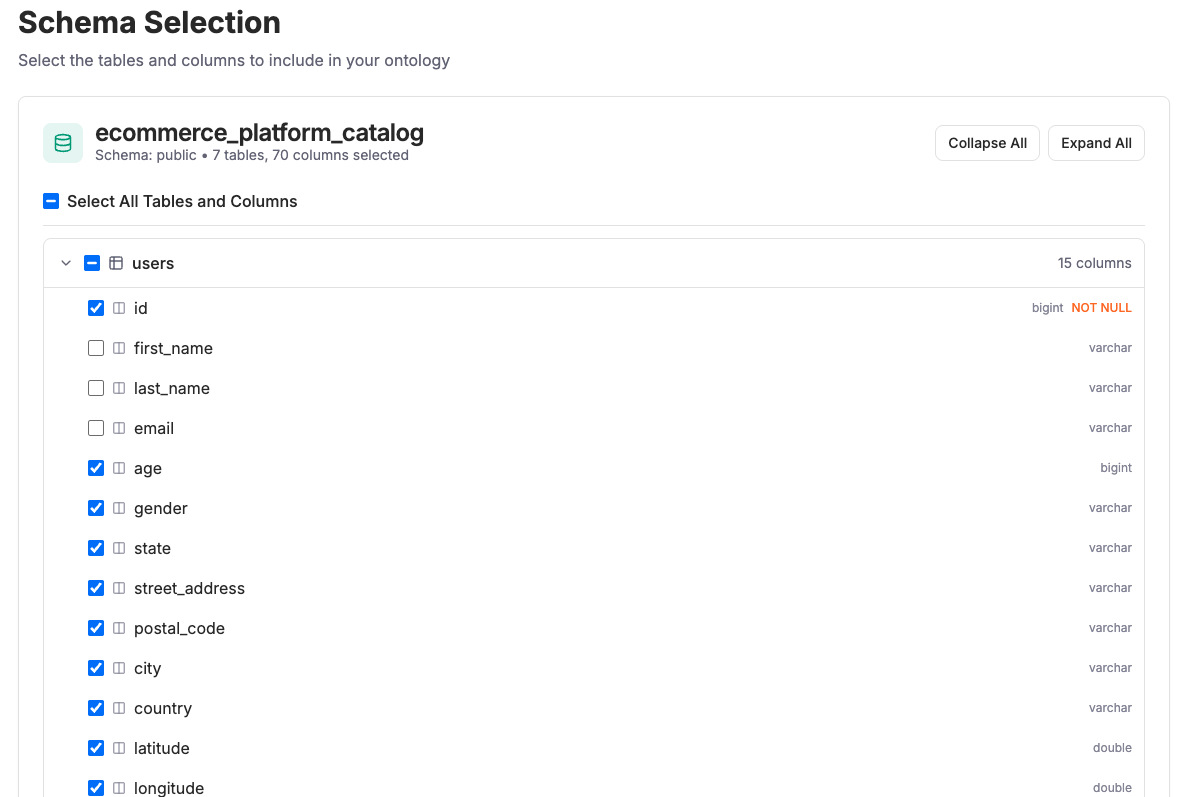
Only import the tables and columns you want to bring into the ontology with minimal effort required to get going. You can always add more later.
Features:
- Remove PII or other sensitive information
- Control what the AI knows about and doesn't know about
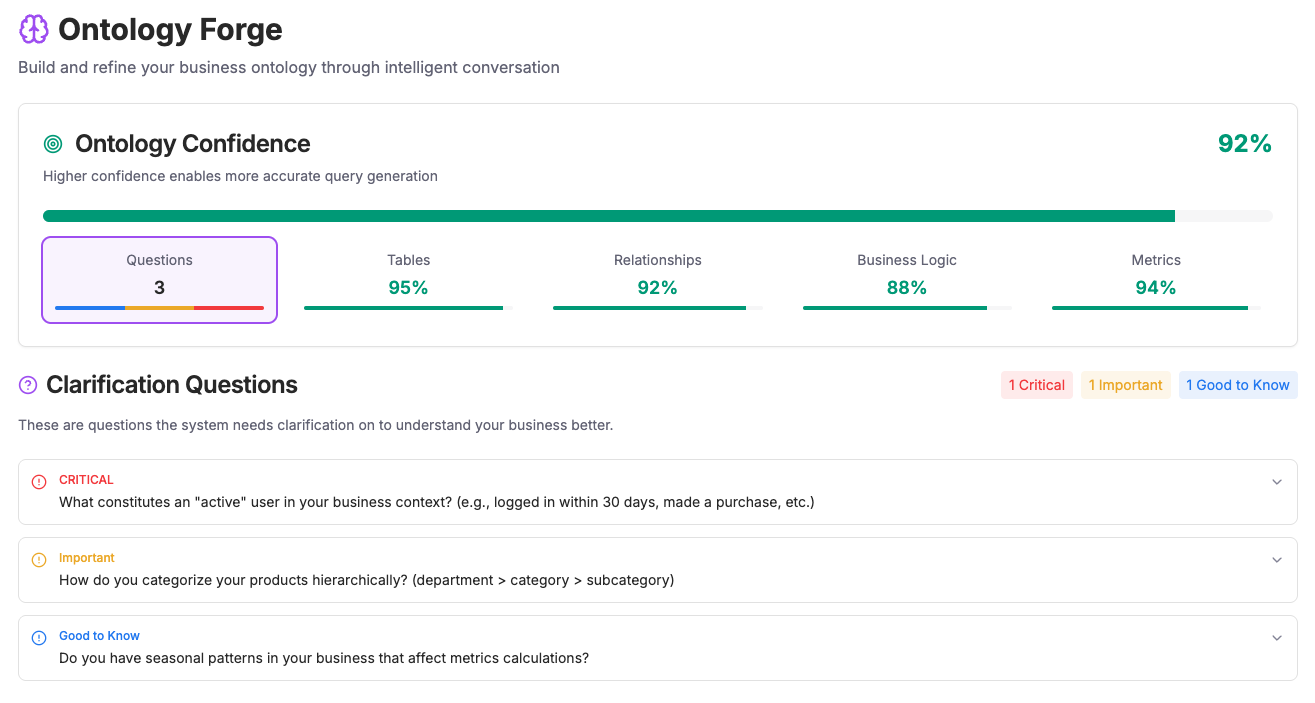
3Ekaya Co-creates Your Semantic Ontology
Intelligent Data Understanding
Ekaya automatically analyzes your database schema and creates a semantic layer that bridges technical structure with business meaning.
What Ekaya Does:
- Uses a conversational interface to ask questions and find nuance in your data
- Maps database tables to business entities automatically
- Identifies relationships and hierarchies in your data
- Creates business-friendly naming conventions
Time Saved: What typically takes weeks of manual mapping is completed in minutes with AI assistance.
4Create Your Pre-approved Queries
Governance & Control
Define approved query patterns and templates that ensure consistent, governed access to your data. Set boundaries while enabling flexibility.
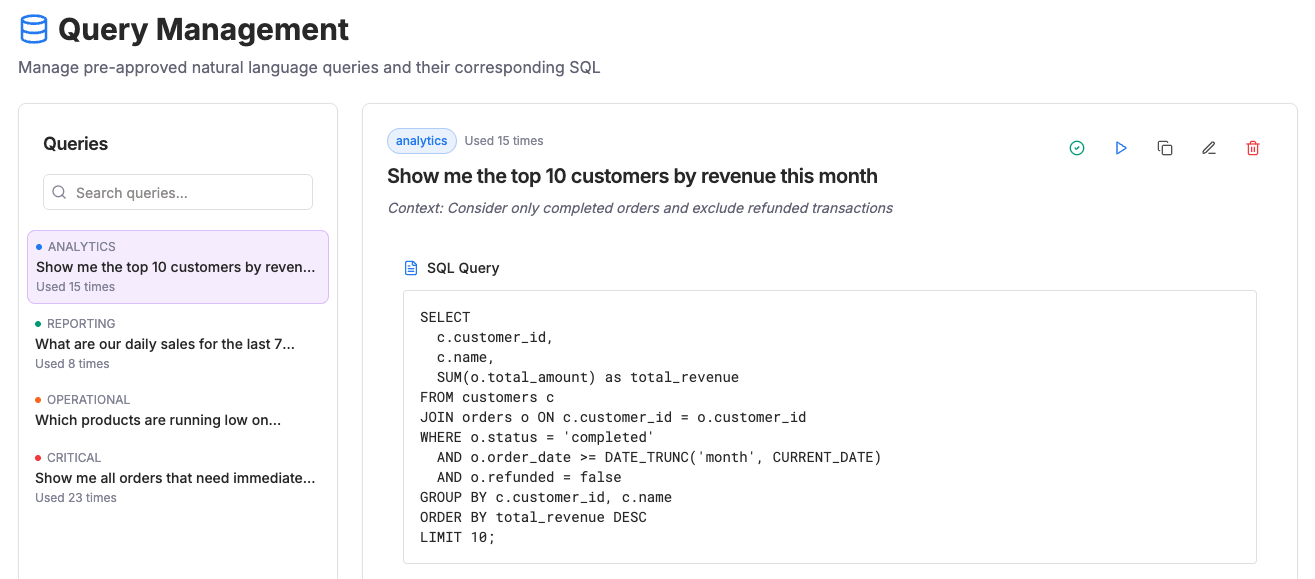
Query Types You Can Create:
- Standard reports and dashboards
- Parameterized queries with variables
- Complex joins and aggregations
Governance Features:
- Row-level security policies
- Data masking and PII protection
- Audit logging and compliance tracking
Best Practice: Start with common queries your team needs daily, then expand based on usage patterns and feedback.
5Install the MCP Endpoint in Your AI Chat
Streamable HTTPS MCP
Connect to any AI chat client using Ekaya's streamable HTTPS MCP servers. No client installation required - just add the URL to your AI configuration.
MCP Server Benefits:
- No client installation - works with any MCP-compatible AI
- Streamable HTTPS for real-time data access
- Regional endpoints for optimal performance
- Global endpoint to select project at authentication time
// Option 1: Select project at auth time
{
  "mcpServers": {
    "ekaya": {
      "url": "https://data.ekaya.ai/mcp"
    }
  }
}

// Option 2: Direct regional endpoint
{
  "mcpServers": {
    "ekaya": {
      "url": "https://us-central1.ekaya.ai/mcp/{projectId}"
    }
  }
}
You're Live! Once you are set up, your team can now access data insights through natural conversation, with all the security and governance you've configured.